One upload.
Every platform.
Post your videos to YouTube, TikTok, Instagram, and Facebook simultaneously. Build tour-date videos with BOOSTR, schedule ahead, save drafts, and manage multiple artists — all from one place.
Three steps to everywhere
BLASTR removes the copy-paste grind of posting to multiple platforms so you can focus on making content.
Upload your video
Drop in your vertical video. Add a caption, select a thumbnail, and customize per-platform settings — or use one caption for all.
Pick your platforms
Choose any combination of YouTube, TikTok, Instagram, and Facebook. Connect once and BLASTR handles the authentication from there.
Post now or schedule
Blast it live immediately or schedule for the perfect time. Your video library tracks every post so you always know what went where.
All the places your fans are
Connect your accounts once. BLASTR handles the OAuth, token refresh, and API calls so your content shows up everywhere without the hassle.
Everything you need.
Nothing you don't.
Smart Scheduling
Queue posts for any date and time. BLASTR publishes automatically so you're not glued to your phone at peak hours.
Per-Platform Captions
Write one caption for all platforms, or customize each one. Different hashtag strategies for different audiences.
Draft Library
Save works-in-progress and come back to them. Drafts persist until you're ready to post — nothing gets lost.
Multi-Workspace
Manage multiple artists or brands from one account. Switch between workspaces in a tap — each with its own connected accounts and history.
Mobile-First
Designed to work just as well on your phone as your desktop. Upload, schedule, and monitor on the go.
Video Library
Every post is logged with platform, caption, and timestamp. Know exactly what you've posted and when.
No video? Make one.
BOOSTR turns a clip and a list of tour dates into a finished, ready-to-post video. Drop in footage, paste your dates, pick a look — then send it straight to BLASTR and blast it everywhere. It runs right inside your browser, so your footage never gets uploaded to make the video.
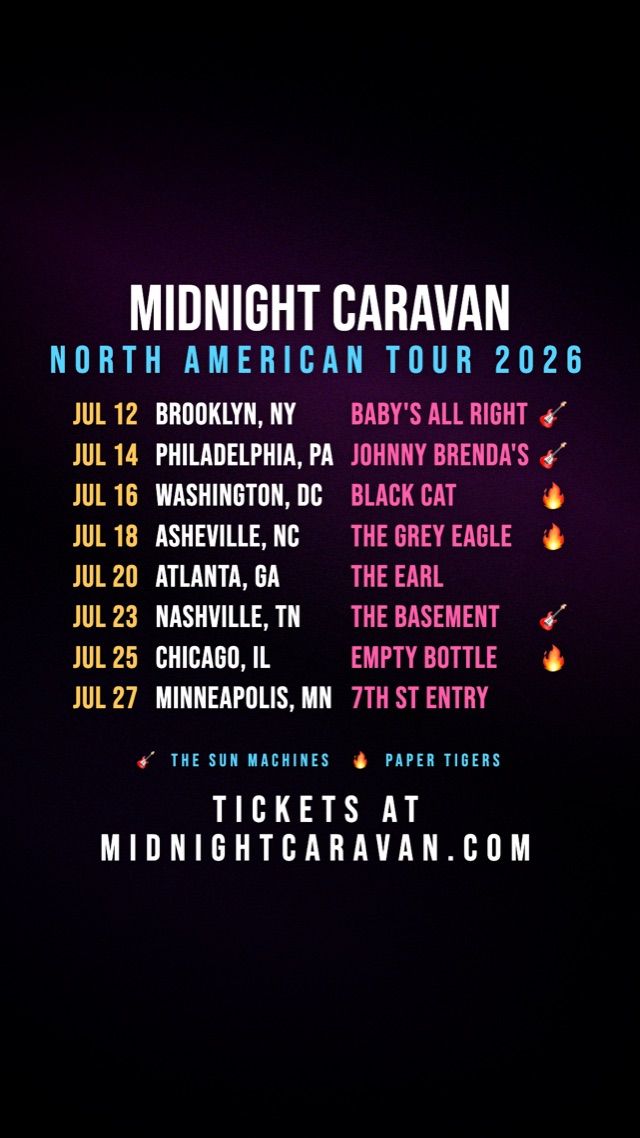
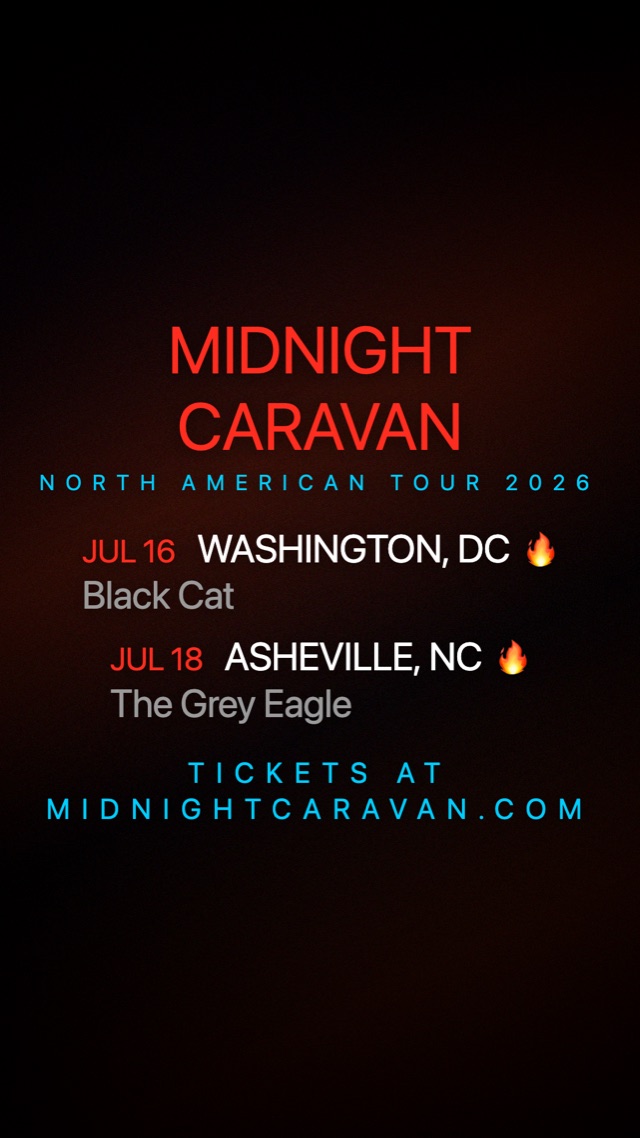
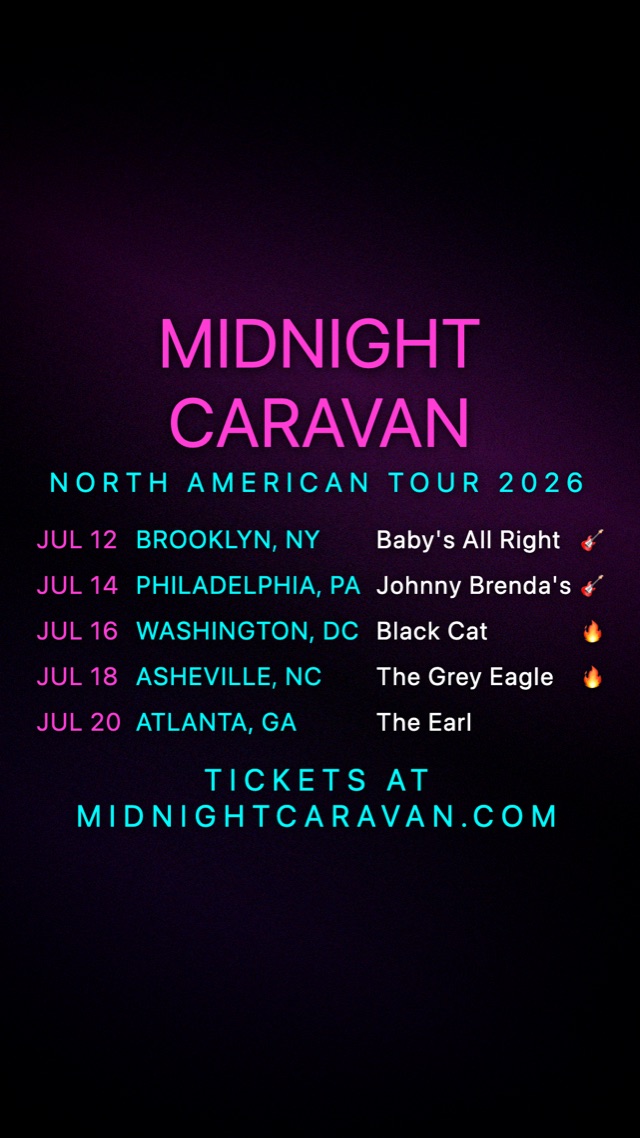
Three of the twelve built-in looks. Every colour, font, size and animation is yours to change — or save your own.
📋 Paste your dates
Type or paste your run in almost any format — BLASTR splits date, city and venue for you, lines them up in a column, and reads a trailing emoji as a support-band marker. Or import a CSV.
🎨 Ten looks, 37 fonts
Start from a built-in look and change anything: font, type size, colour per element, padding, alignment. Save your own looks and reuse them for every announcement.
🌀 Four layout modes
Stack the whole run on screen, cycle a few dates at a time, scroll them as a marquee, or crawl them across a broadcast-style ticker. Thirteen entrance and exit animations.
📱 Platform-safe by design
Overlay the real chrome of Reels, TikTok or Shorts to catch a collision before you post — then hit Fit text inside and your text moves into the safe area automatically.
✂️ Trim and brand it
Trim on a filmstrip of real frames from your clip. Drop your logo in as an opening or closing bumper — or park it in a corner as a watermark for the whole video.
🚀 One click to BLASTR
Export at 9:16, 4:5, 1:1 or 16:9 up to 4K, with quality picked for you. Then Send to BLASTR hands the finished video straight to your queue — no re-upload, no download.
What it costs
- Cadet, Voyager and Interstellar get unlimited BOOSTR videos — it's included, not an add-on.
- Rookie (free) gets 4 to try, in your first 30 days. After that BOOSTR is a paid feature. The trial doesn't reset each month.
- Both finishing an export and sending a video to BLASTR use one of those 4 — so making a video and sending it over is 2 of your 4. Downloading the MP4 is always free.
- Finished videos land in your BOOSTR library, and on a paid plan they're saved to your Content Library so you can grab them from any device.
Anything you made during the trial stays in your library, whatever plan you're on.
Ready to start blasting?
Join creators and bands who are saving hours every week by posting everywhere at once.
Create Your Account →